
Wireframe visualization
Show the triangle mesh as a wireframe on its own or over the surface, choose its colour, and use it to judge mesh resolution.
You will learn
- Switch between solid, wireframe and both.
- Change the wireframe colour.
- Read mesh resolution from the wireframe.
Prerequisites
Data for this tutorial
Sample valley DEM (synthetic) Download orbis3d-sample-valley.tif
- Format
- GeoTIFF, 1 band, Float32, Deflate, tiled
- CRS
- EPSG:32643 (WGS 84 / UTM zone 43N)
- Content
- Elevations 419.5 to 1452.5 m; NoData -9999 in the south-west corner
- In Orbis3D
- Data panel ▸ Sample data ▸ Sample valley DEM (synthetic) ▸ Load
- Licence
- Synthetic, CC0 1.0
Synthetic samples are CC0 1.0; the SRTM sample is public domain. About the datasets
The task
You want to show how a DEM becomes a triangle mesh, for teaching, or check how fine the 3D mesh is.
Steps
- Load the sample valley and open Scene ▸ Rendering.
- Under Surface, choose:
- Solid: the coloured surface (default);
- Wireframe: only the triangle edges;
- Both: the edges over the surface. The toolbar's grid button and the W key switch between Solid and Both.
- Choose Both and zoom in on the valley floor.
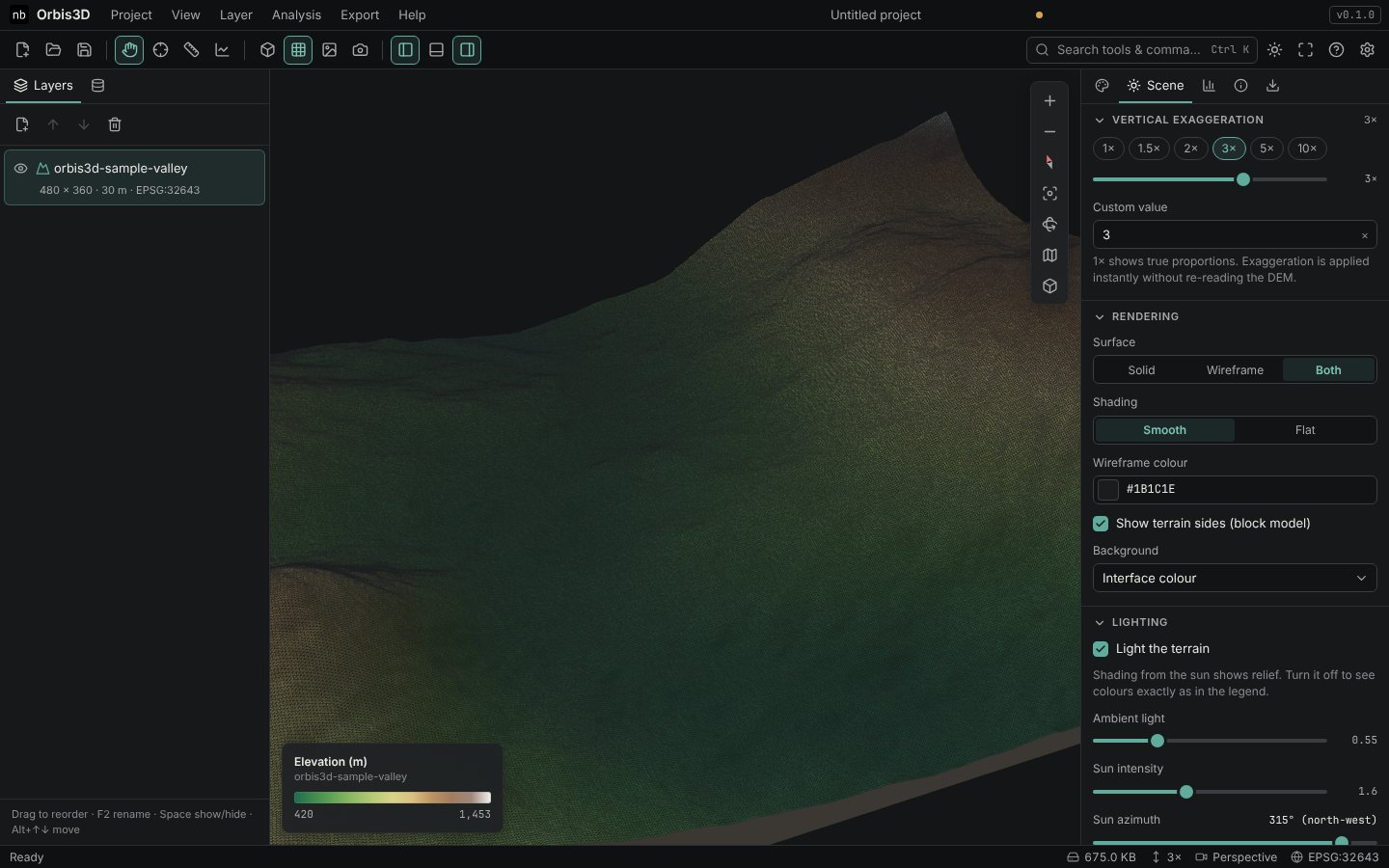
- Change Wireframe colour if the lines are hard to see on your colours: dark lines on light colours, light lines on dark ones.
Reading the mesh
Each grid square between four vertices is drawn as two triangles. For the sample valley (480 × 360 cells) every cell is a vertex, so the wireframe squares are 30 m wide. For large DEMs Orbis3D uses every second, third … cell to stay within the mesh budget; the squares then cover several cells. Scene ▸ Mesh detail gives the number of vertices and triangles and the sampling step. See Optimizing terrain resolution.
## Expected resultThe triangle edges are visible over the surface, and the squares match the 30 m cells of the valley DEM.
Common mistakes
- A grey mass of lines. From far away the lines merge. Zoom in, or use Wireframe alone on a darker background.
- Slow drawing. Wireframes of millions of triangles take time to draw. Lower the mesh detail or use Solid.